Start with the SUNLU PLA Filament (Black, 1KG): SUNLU rates the spool at plus or minus 0.02mm diameter tolerance, which at this end of the market is what separates a clean print from a nozzle jam. Filament choice matters more than most people expect: spool quality, diameter tolerance, and how well a formulation resists moisture decide whether a print comes out clean or a nozzle jams halfway through. We compared five widely used PLA and PLA+ filaments across price points, checked their manufacturers’ own print-temperature and tolerance specs rather than repeating generic PLA advice, and picked one for each of the main ways people actually choose: value, speed, toughness, bulk buying, and AMS compatibility. Where a brand sells more than one filament line under overlapping names, we called out which specific line the spec numbers below belong to, since that’s the detail most buying guides skip.
| Model | Material as sold | Diameter tolerance | Nozzle temperature | Bed temperature |
|---|---|---|---|---|
| SUNLU PLA | PLA | 1.75mm ±0.02mm | 200–210°C at 50–100mm/s; 210–240°C at 100–200mm/s | 50–60°C on the product page; 60–70°C in SUNLU’s own data sheet |
| OVERTURE High Speed PLA | PLA | ±0.02mm, stated as monitored diameter consistency rather than a tolerance band | 190–220°C | 25–60°C |
| ELEGOO PLA Plus | PLA+, sold as PLA Plus | ±0.02mm | 200–230°C | 35–65°C, qualified as depending on printer and build plate |
| Creality Ender-PLA 2KG Value Pack | Sold as Ender-PLA; Creality states a shortage may ship Ender PLA, Ender PLA+ or Ender Fast instead | Not published | Not published | Not published |
| Bambu Lab PLA Basic Refill | PLA | 1.75mm ±0.03mm on the product page; the data sheet gives 1.75mm with no tolerance | 190–230°C | 35–45°C |
PLA vs. PLA+: What "Plus" Actually Changes
Standard PLA and PLA+ use the same base polymer, but PLA+ formulations add impact modifiers that make prints less brittle and more resistant to snapping under stress, at a small cost in stiffness and sometimes surface finish. Neither is objectively "better" — standard PLA is usually cheaper and prints a hair more precisely, while PLA+ is the better call for parts that get handled, dropped, or load-bearing brackets rather than display models.
The trickier issue is naming: PLA+, "Plus," "Pro," and "Rapid" or "High Speed" variants often come from the same manufacturer under overlapping product lines, and the marketing copy for one line sometimes gets attached to the wrong one online. Two of the picks below (Overture and ELEGOO) sell more than one filament line with near-identical names, so we checked each brand’s own current line-up before trusting any spec number, and said plainly where we couldn’t get a clean answer.
Everyday Printing on a Budget
For a filament you’ll burn through a spool of every few weeks, the spec that matters most isn’t a headline number — it’s consistency. A tight, well-documented diameter tolerance means fewer random under- or over-extrusion spots across a print, and a spool that’s wound cleanly (no tangles, no snap-off ends buried under a layer) means fewer failed prints from a jam partway through. Budget filament that’s vacuum-sealed with a desiccant pack in the bag is also worth a small premium over the cheapest option, since a spool that’s already picked up moisture on the shelf will cause popping and stringing before it’s even been opened. How we weigh a consistency spec against a headline number is set out in How We Pick.
Best Overall Value: SUNLU PLA Filament (Black, 1KG)
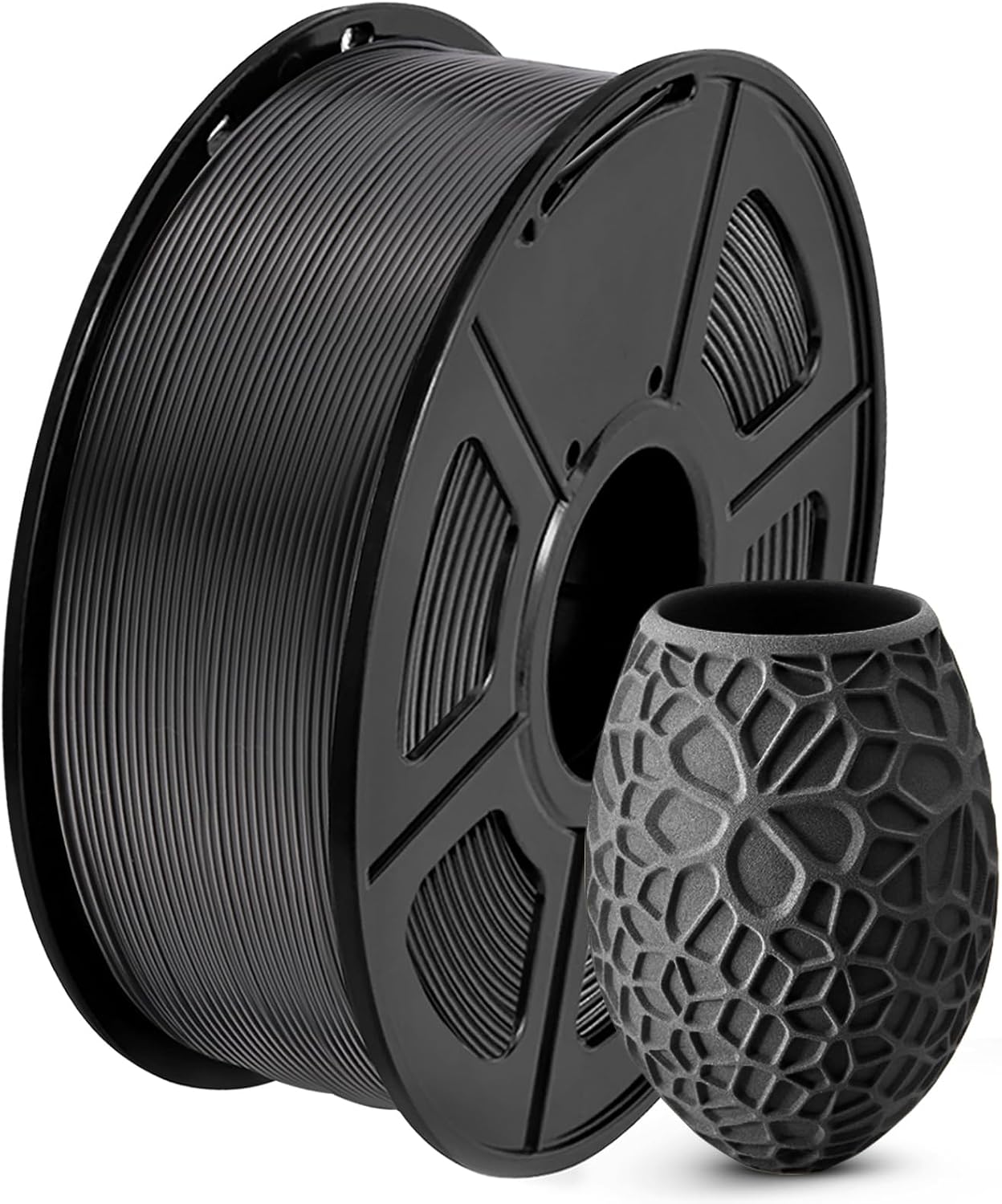
SUNLU rates this spool at ±0.02mm diameter tolerance and ties the nozzle range to print speed rather than giving one band: 200–210°C at 50–100mm/s, and 210–240°C at 100–200mm/s. The bed is the one figure SUNLU states two ways, 50–60°C on the product page and 60–70°C in its own technical data sheet, and both appear in the table above because both are SUNLU’s. It’s one of the best-selling filaments on Amazon, and at this price the tight tolerance is the main thing that separates it from the truly bottom-shelf spools that jam a nozzle mid-print. Black is one of roughly twenty colors SUNLU lists on this line, and the manufacturer’s page gives no indication that temperature or tolerance changes by color, so what you read here should hold across the rest of the color range too.
Typically: $12–$16 | Retailer: Amazon
Filament for High-Speed and Direct-Drive Printers
Newer high-speed printers (CoreXY machines with lightweight direct-drive extruders) can outrun standard PLA’s ability to melt and bond fast enough, showing up as under-extrusion or weak layer lines. Filaments marketed as "high speed" are formulated to melt and re-solidify faster, so the printer’s speed is the limiting factor rather than the plastic.
Best for High-Speed Printing: OVERTURE High Speed PLA Filament (Black, 1KG)
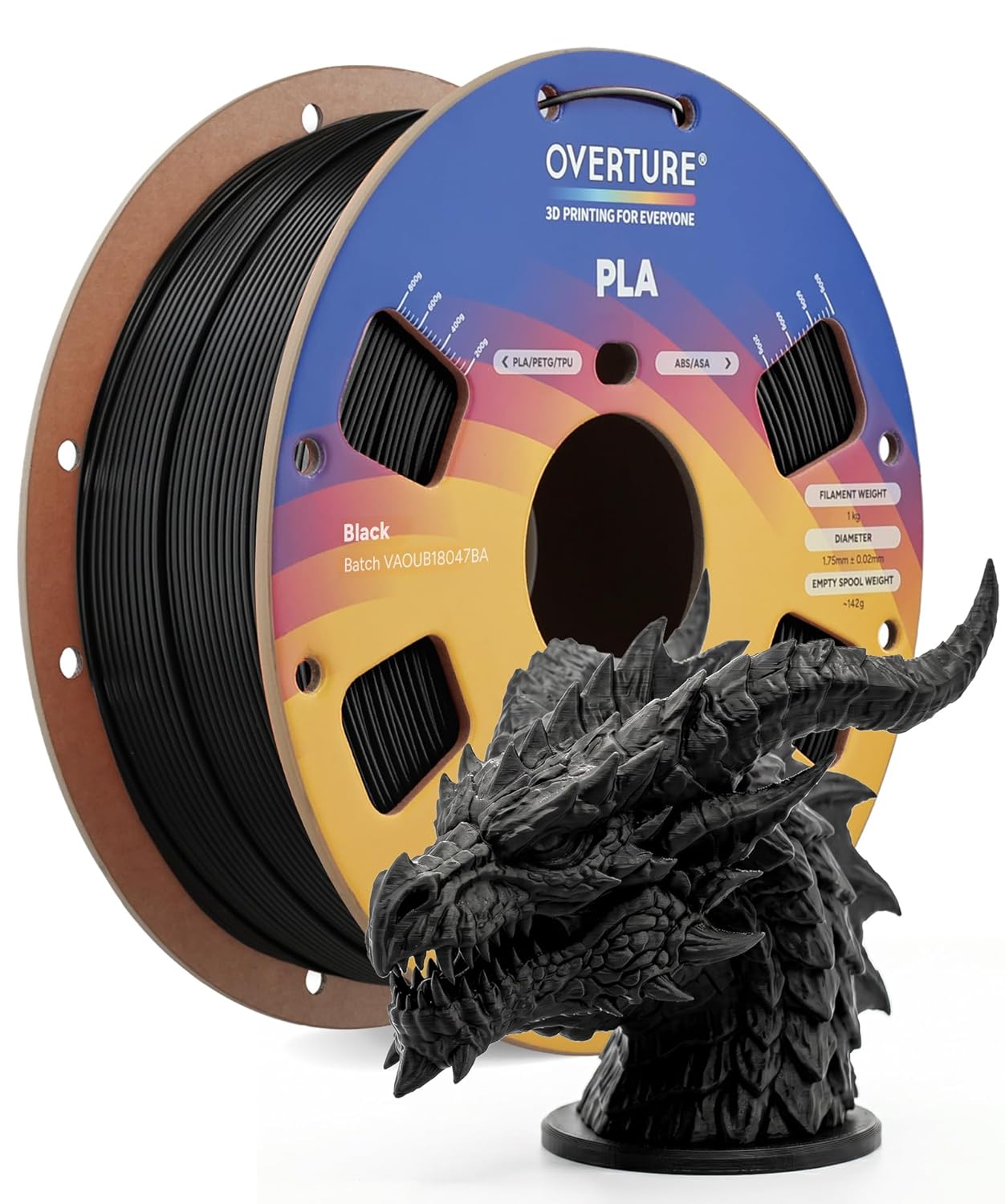
This is Overture’s base "High Speed PLA" line, rated on Overture’s own spec page at ±0.02mm diameter tolerance, a 190–220°C nozzle, up to a 60°C bed, and print speeds up to 300mm/s. Overture also sells PLA+ and Super PLA+ as separate lines, and their published numbers are not this spool’s: Overture rates Super PLA+ at 60mm/s on its own product page, against the 300mm/s claimed for this one. Near-identical names, different formulations — so don’t carry a figure from one Overture line across to another.
Typically: $12–$16 | Retailer: Amazon
Toughness for Functional Parts
Toughness in filament terms means resistance to sudden impact, not just raw strength — a brittle plastic can be strong under a slow, steady load and still shatter if it’s dropped or knocked off a desk. That distinction matters for things like phone mounts, tool holders, and enclosure brackets, where the failure mode you actually care about is a sudden hit, not a slow bend.
Print settings can close some of the gap between standard PLA and a PLA+ formulation — more wall perimeters, a higher infill percentage, and orienting the part so layer lines run across the expected stress direction all help — but they don’t fully substitute for a tougher base material. If a part is going to get dropped, sat on, or clipped into something repeatedly, starting from a PLA+ spool gives more margin before any of those print-setting tricks are needed.
Best PLA+/Toughness: ELEGOO PLA Plus Filament (Black, 1KG)
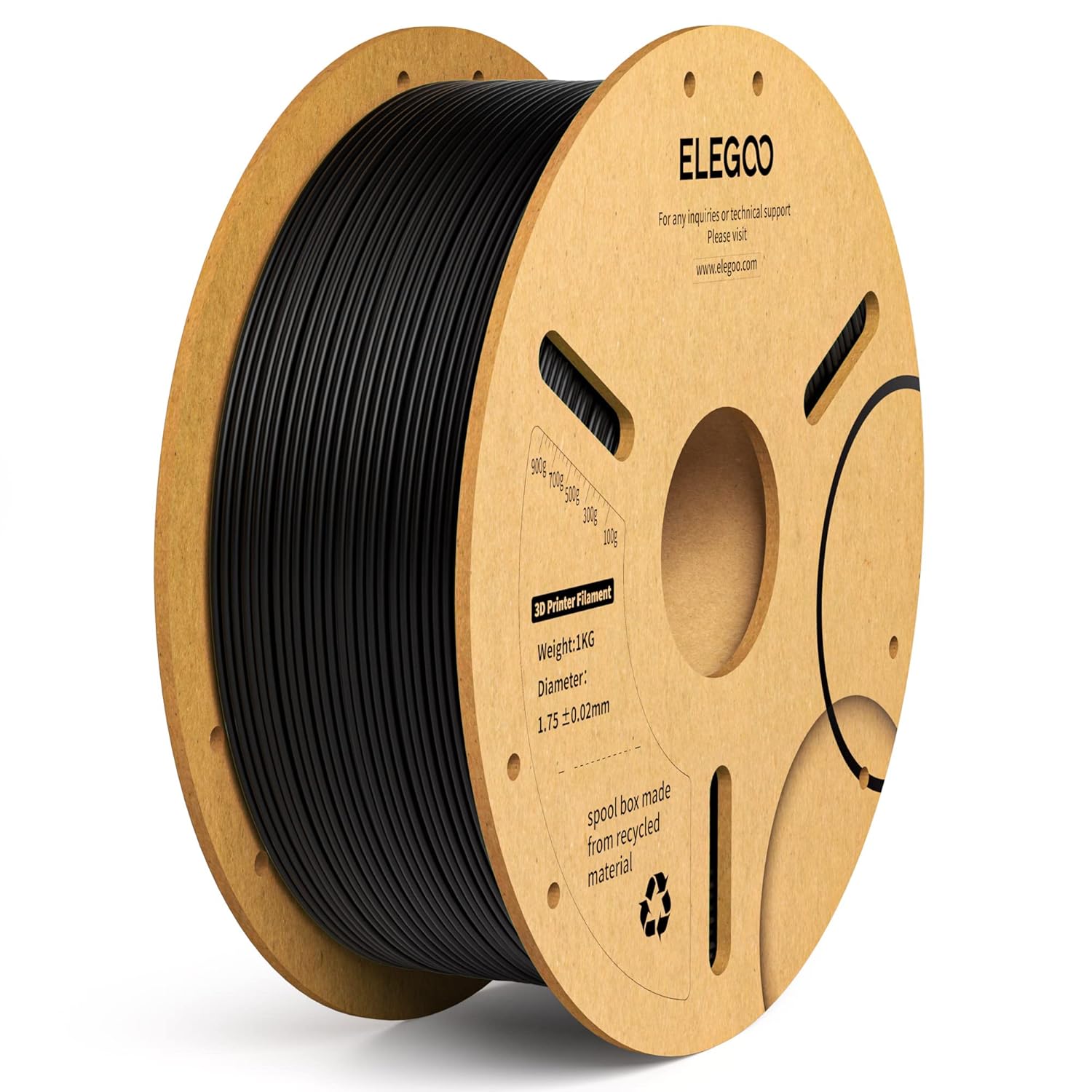
PLA+ formulations trade a little stiffness for meaningfully better impact resistance than standard PLA, which is why this is the pick for functional parts that need to survive a drop rather than just look good on a shelf. One caution worth knowing: ELEGOO also sells a separate "RAPID PLA Plus" line marketed with much higher print-speed claims. If you see dramatically different numbers attached to "ELEGOO PLA+" elsewhere, that’s almost always the other line: RAPID PLA Plus is a separate SKU with its own, much higher speed claims, and none of its numbers are carried into the table above. The figures there come from ELEGOO’s page for this line specifically, a 200–230°C nozzle and a 35–65°C bed, the bed range qualified by ELEGOO as depending on printer and build plate type.
Typically: $13–$17 | Retailer: Amazon
Buying in Bulk Without Paying More Per Kilogram
Multi-spool bundles almost always beat the per-kilogram price of buying spools one at a time, and for anyone printing regularly — a classroom, a maker space, a small print-on-demand operation — that adds up fast. The tradeoff is storage: more spools sitting open means more exposure to humidity unless they go into a sealed container or dry box between prints.
Best Bundle for High-Volume Printing: Creality 2kg Black & White PLA Filament Bundle
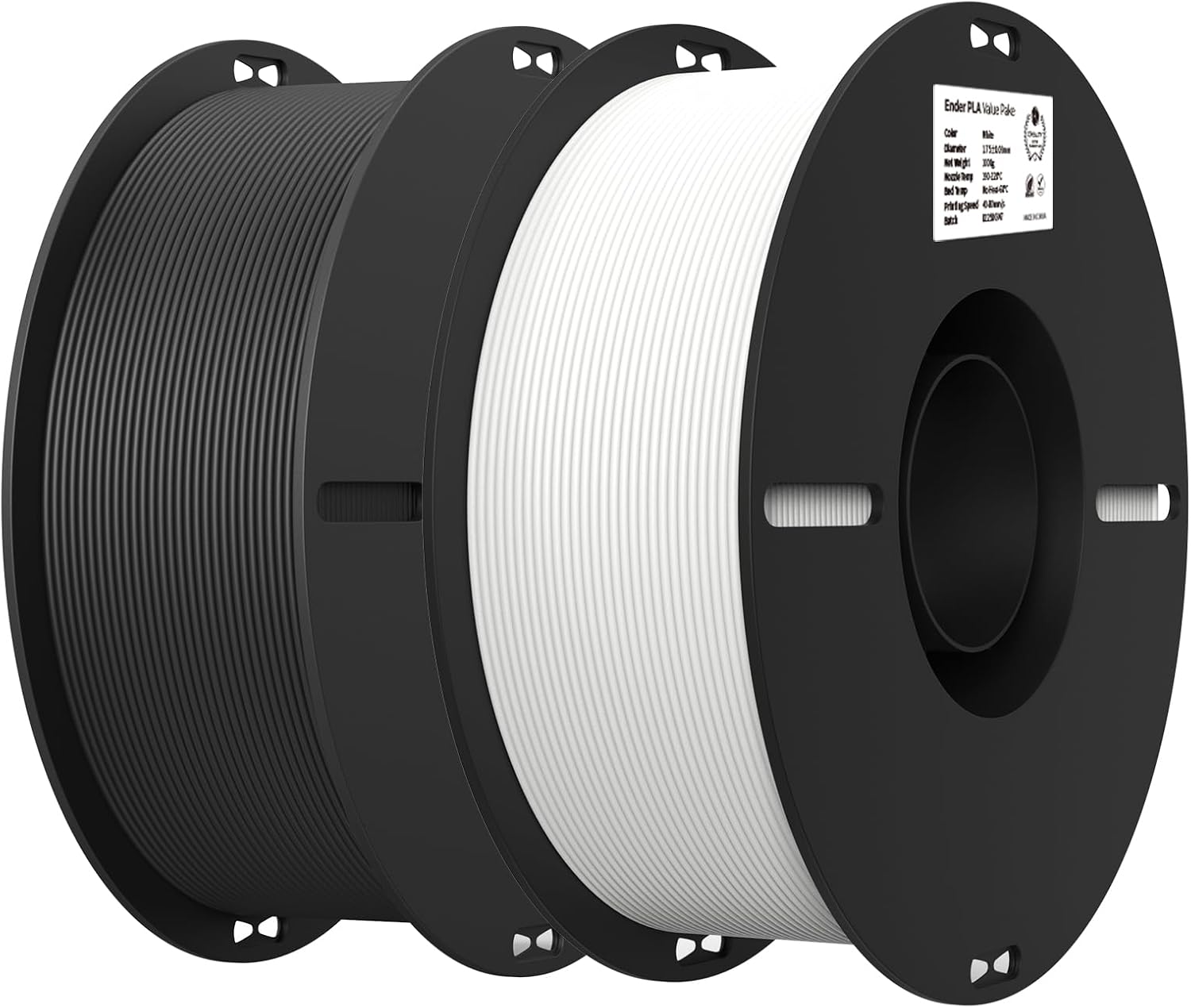
Creality’s page for this bundle publishes no diameter tolerance, no nozzle temperature and no bed temperature, which is why its row in the table above carries no numbers. The more useful thing that page does publish is a warning about what actually arrives: "In case of a stock shortage, we will ship a random series (Ender PLA/Ender PLA+/Ender fast)." Two spools out of one order can therefore be different formulations with different ideal temperatures, so if they print differently, that is the reason, and it is also why no single set of numbers can be stated for this pick. Two 1kg spools in one order lowers the effective cost per kilogram versus buying single spools separately — useful if you’re running a printer often enough that filament cost adds up.
Typically: $20–$30 | Retailer: Amazon
AMS and Multi-Color Printing
Automatic material systems like Bambu Lab’s AMS read an RFID tag embedded in or near the spool core to identify filament type, color, and brand without the user entering anything manually, then adjust temperature and flow settings to match. That only works end-to-end if the filament itself carries a compatible tag — generic or store-brand spools without RFID still print fine, but the AMS won’t auto-detect them and settings have to be entered by hand.
For anyone running multi-color prints or swapping materials often, that auto-recognition is less about convenience and more about avoiding mismatched settings: loading a PLA profile onto a spool that’s actually PETG produces stringing and poor layer adhesion, and the failure isn’t always obvious until well into a print. Buying filament from the same ecosystem as the printer removes that failure mode entirely at a modest price premium over generic spools.
Best Premium/AMS-Compatible: Bambu Lab PLA Basic Filament (1kg Refill)
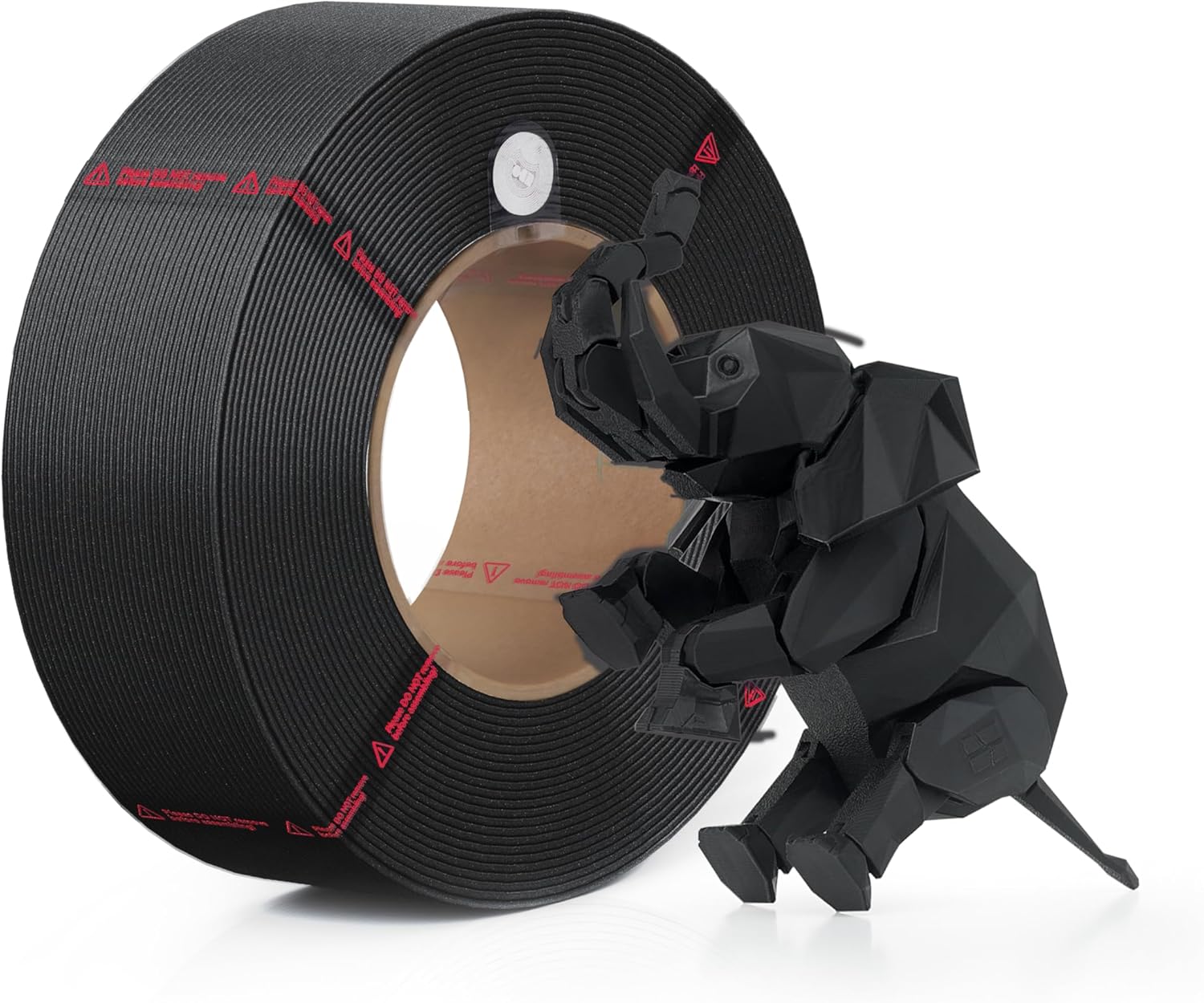
Bambu Lab’s own technical data sheet puts PLA Basic at a 190–230°C nozzle and a 35–45°C bed, well within reach of any modern FDM printer. The same sheet also lists 60–70°C for the X1 series heatbed, but that is a twelve-hour drying setting rather than a printing temperature, and mistaking one for the other is an easy way to ruin a first layer. The Refill format skips the plastic spool but not the RFID: refill cores carry the same tags as spooled PLA Basic, so AMS units still auto-recognize the material and load the right profile without manual setup — you’re paying for filament and a cardboard core, not for spool hardware you likely already own.
Typically: $20–$30 | Retailer: Amazon
Storage and Moisture: Why It Matters Even for PLA
PLA absorbs atmospheric moisture more slowly than nylon or PETG, but it isn’t immune — a spool left out for weeks in a humid room can start popping and stringing mid-print as trapped water flashes to steam at the nozzle. Keeping spools in a sealed bag or bin with a silica-gel pack between uses is enough for most PLA and PLA+ filament; if you’re printing daily or living somewhere genuinely humid, a dedicated drying setup is worth a separate look.
Leave a Reply